01 / WHY
Why preview this space
You can compare several directions and save finished images in your account.
REHOME AI · SPACE PREVIEW
Begin with a clear photograph of your room. Choose its category, select a style card, and request an AI concept image.
Start with your photo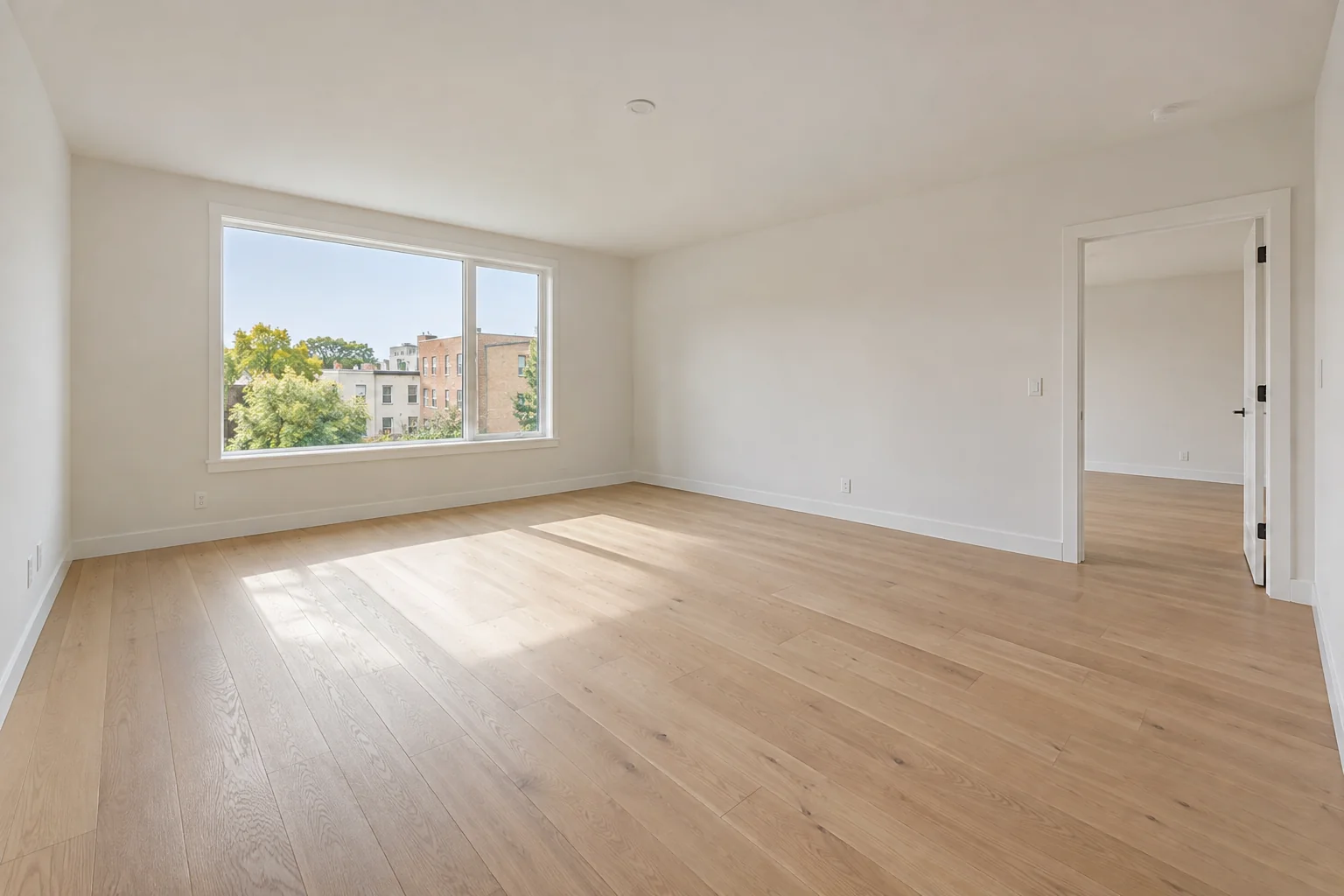
01 / WHY
You can compare several directions and save finished images in your account.
02 / WHEN
Take a wide photo with visible walls and windows for the clearest reference.
03 / PROCESS
04 / FAQ
The model uses your photo as reference, but it may alter walls, windows, or doors. Measure the real space before construction.
No. It is a visual design concept. Materials, dimensions, lighting, and cost need professional verification.